 ApKilla
Force stop.
One tap.
Stop the Android app you're using straight from Quick Settings. No root, ADB, Shizuku or Tasker. Everything runs locally.
Android 7.0+ · No Internet permission · MIT open source
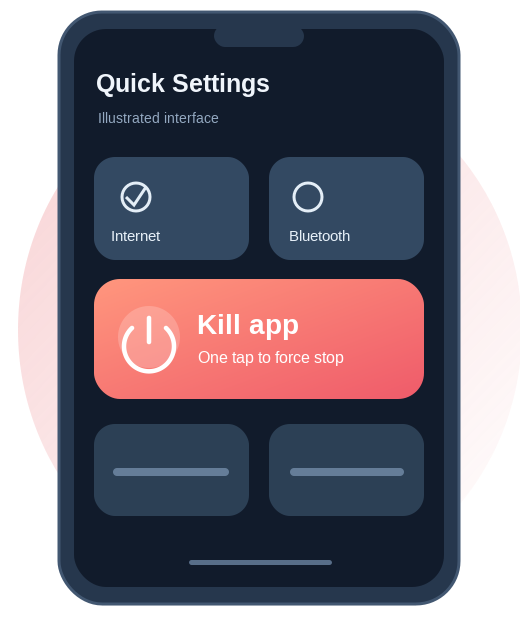
Made for the moment an app misbehaves
Instead of searching through Android settings for Force stop, bring down your notification shade and tap one tile.
Quick Settings shortcut
Trigger the force-stop workflow while the target app is on screen.
No root required
Uses Android's own App info screen. No debugging bridge or other helper tools.
Offline by design
No account, tracking SDK or Internet permission. Your operations stay on your phone.
How it works
ApKilla uses an Accessibility service to open the current app's system information and tap the built-in Force stop controls. Android Settings may appear briefly.
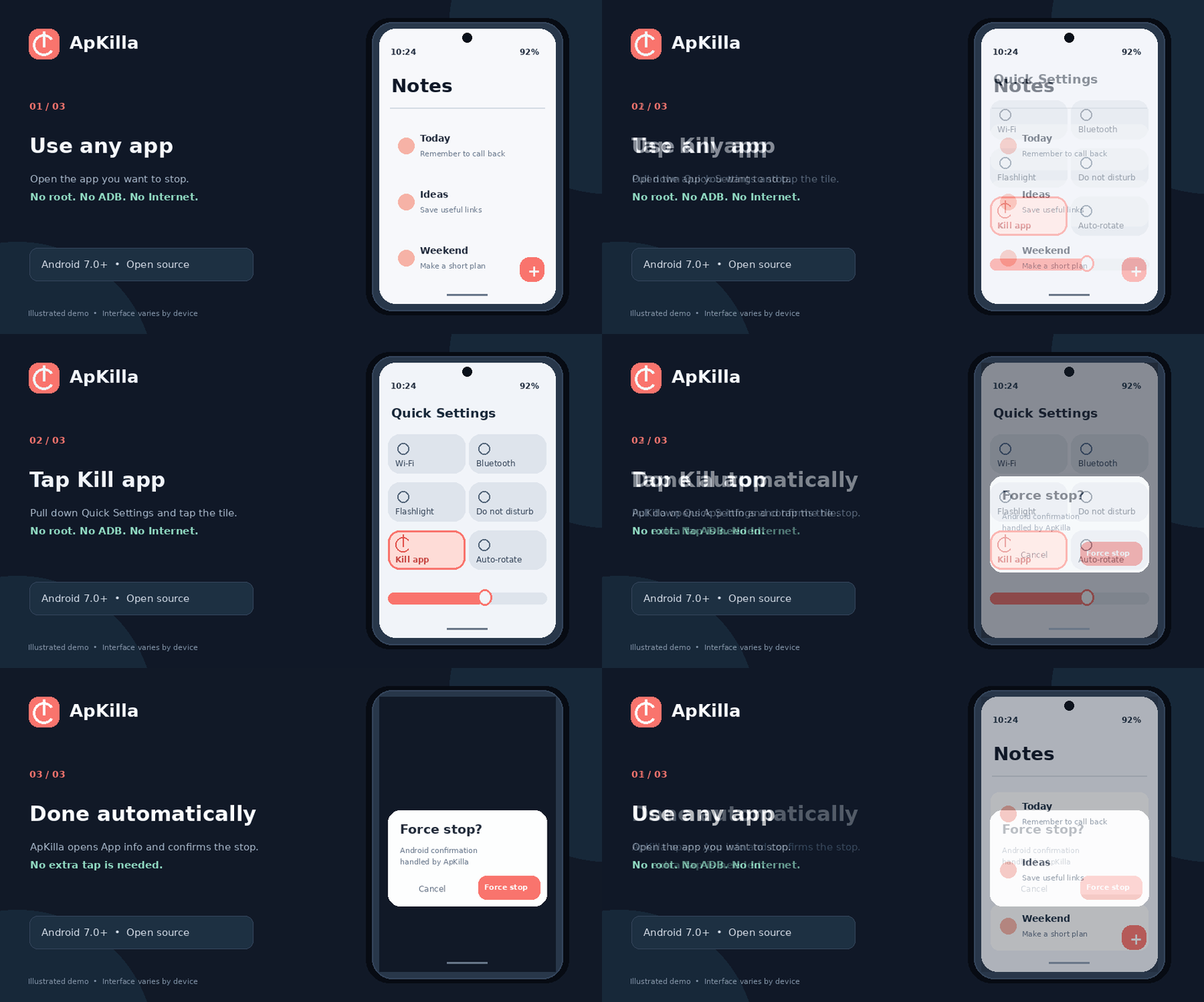
Concept animation, not a real screen recording. Only the Quick Settings tile needs your tap; ApKilla automates the Android confirmation. Static diagram. OEM controls and behavior may vary.
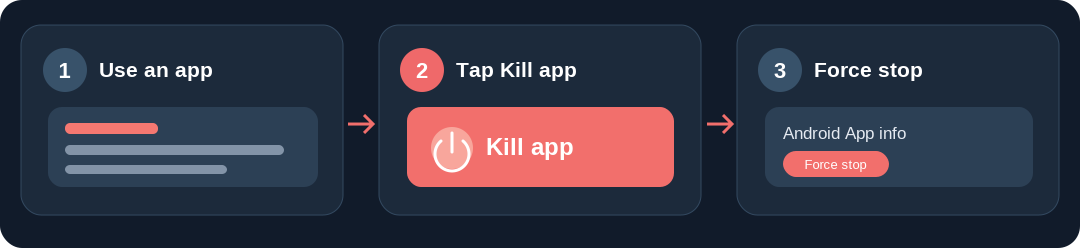
Start in four steps
Install the APK
Get the signed stable version from GitHub Releases.
Allow Accessibility
Enable ApKilla automation once in Android Settings.
Add the tile
Put Kill app into the Quick Settings panel.
Tap when needed
Use an app, open Quick Settings and select Kill app.
Get ApKilla
Free and open source
Download the latest public signed APK. The project uses a consistent signing certificate for upgrades.
Common questions
Does this really force-stop an app?
It automates Android's standard Force stop UI. The result depends on the phone and app. A successful confirmation tap alone cannot independently prove that the package stopped.
Why does ApKilla need Accessibility?
Android does not allow a regular app to force-stop another through a public API. Accessibility lets ApKilla find and tap controls in Android's own Settings interface. Read the privacy explanation before enabling it.
Will it work on my phone?
Android 7.0+ is required, but manufacturers customize Settings and background service behavior. Consult the compatibility notes and report issues with your model and Android version.
Does it use the Internet or send usage data?
No Internet permission, account, analytics or telemetry. The foreground-app target is stored locally to perform the action. Version 0.4.0 also stores limited outcome history locally.